Standing desks and ergonomic chairs for lumbar relief
Your screen is too low, your chair gives your lower back no support, and you’ve been in the same position since your last coffee. That setup can make a workday harder on your back.
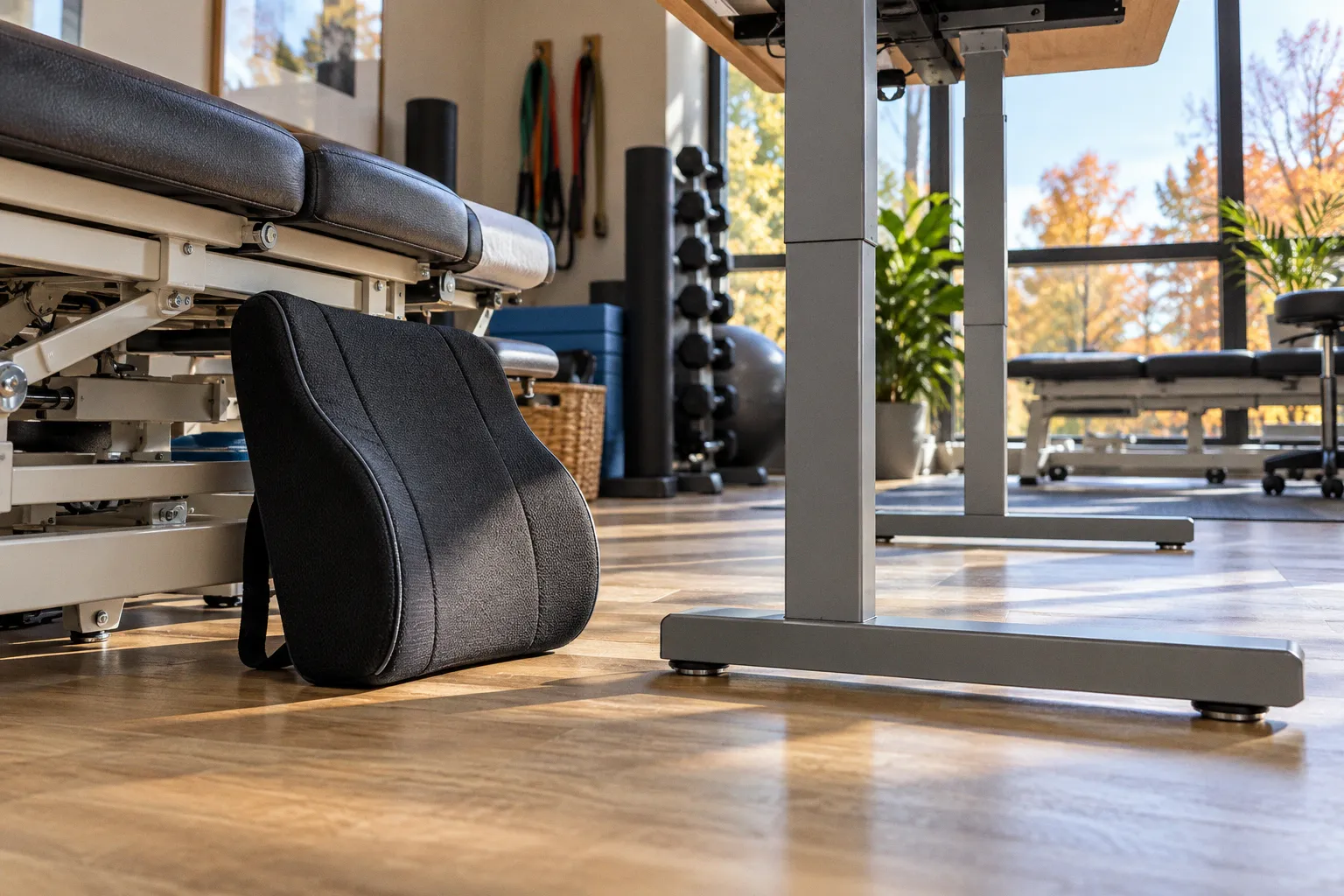
If you’re choosing between a standing desk and an ergonomic chair for lower back pain, start with this: neither piece of furniture can do the job alone.
Unsupported sitting can increase pressure on the lumbar discs by roughly 30% compared with standing upright; some posture analyses report increases of up to 40%. But standing still all day brings its own fatigue. The practical target is a supported, adjustable workspace that makes changing position easy.
Sitting and standing load your back differently
Poorly supported sitting often tips the pelvis backward and flattens the lumbar spine’s natural curve. The chair may feel comfortable for a while, but when it leaves your lower back unsupported, you tend to slump or perch at the edge. Either way, the position can become a strain when you hold it for hours.
Standing changes the load, but it does not switch your back off. Stay on your feet too long and your joints and legs fatigue; as that happens, you may shift your weight, lock your knees, or lean into the desk. That is still a static posture, just with a different view.
So the standing desk vs. ergonomic chair question has no universal winner. Each tool changes the conditions around your spine. A good chair supports you while seated. A sit-stand desk gives you another position to move into. The bigger gain comes from using both to avoid getting stuck.
| Workspace option | What it can help with | What to watch for |
|---|---|---|
| Ergonomic chair | Supports the pelvis and lower back during seated work | Support matters only if the chair fits and you use it; sitting still for hours remains sitting still |
| Standing desk | Makes it easier to change position and reduce time spent in unsupported sitting | Long standing bouts can fatigue the legs and joints |
| Sit-stand setup | Lets you alternate positions across the day | A desk and chair do not replace movement breaks or exercise |
A 2018 systematic review and meta-analysis found that sit-stand workstations reduced low-back discomfort among workers, with reported effects ranging from -0.30 to -0.51 on a 10-point pain scale. That supports trying a more dynamic workstation. It does not show that a desk alone cures chronic back pain or a structural spinal condition.
The useful comparison is not chair versus desk. It is staying fixed versus having a supported way to change position.
Static posture is the problem you can change today
Your back does not need one perfect posture held from morning to evening. It needs a setup that lets you work comfortably, plus regular position changes. Even a well-adjusted chair becomes a poor plan if you treat it as a parking spot.
A workable starting point is to sit for about 60% of the workday and stand for about 40%, adjusting that balance to your comfort and tasks. Another guideline is to switch positions every 30 to 90 minutes. These are practical ranges, not a prescription that fits every body or a guaranteed treatment for lumbar pain.
Use the calendar as an anchor. Stand after a call, sit for the next focused task, or take a brief movement snack between meetings. The switch does not need ceremony. It needs to happen before your back starts negotiating with you.
When you stand, keep both feet grounded and let your knees stay soft. When you sit, use the backrest rather than hovering over the keyboard. Change position again if either one starts to feel tiring. The aim is variety, not a perfect pose you have to monitor all day.
Build a workspace that supports both positions
A dynamic workspace only works if the equipment fits the person using it. A chair can have several adjustment levers and still fail if your feet dangle or the desk forces you to reach. A standing desk can move smoothly and still leave you craning your neck at a low screen.
Set the chair first. Plant your feet on the floor or a footrest, and bring the seat close enough that you can use the backrest without reaching forward. Let your shoulders relax while your hands reach the keyboard. Adjust the lumbar support so it meets your lower back comfortably; it should support you, not shove you into an exaggerated arch.
Then set the desk around your arms. Keep the keyboard and mouse close, with elbows near your sides and shoulders relaxed. If the desk is too high, you may hike your shoulders; if it is too low, you may fold toward the screen. For a standing position, adjust the desk again rather than assuming your seated height will work.
Bring the screen to a height that lets you look ahead without repeatedly dropping your head. If you work from a laptop for long stretches, raise the display and use a separate keyboard and mouse when available. That gives you room to set screen height and hand position independently.
Use this quick setup pass:
- Feet: Flat on the floor or supported by a footrest.
- Hips and back: Sit far enough back to use the chair’s support without forcing a rigid posture.
- Keyboard and mouse: Close enough that your elbows stay near your sides.
- Screen: High enough to avoid a constant downward head tilt, and close enough to read without leaning.
- Standing position: Keep both feet grounded, knees soft, and the keyboard within easy reach.
The impact of desk height on lumbar alignment is often indirect. A desk that makes you reach, shrug, or lean changes how you hold your trunk. Fix the reach first: bring the work closer, adjust the height, and let the chair or desk support a position you can sustain comfortably.
What to buy first
If you are building a setup one piece at a time, start by identifying what prevents you from changing positions comfortably.
| Your main obstacle | Better first move | Why |
|---|---|---|
| Your chair leaves your lower back unsupported | Improve the chair or add a suitable support, then adjust the screen and keyboard | You still need a stable, comfortable seated position for focused work |
| You can sit comfortably but cannot break up long sitting stretches | Consider a sit-stand desk or a reliable way to raise your work surface | The benefit depends on actually alternating positions |
| You already stand for long periods and your legs feel tired | Add or improve a supportive chair and shorten standing bouts | More standing is not automatically better |
| Your setup makes you lean toward the screen | Reposition the display and keyboard before buying more furniture | Reach and screen height may be driving the posture problem |
A high-end chair is not a substitute for movement. A standing desk is not a spine treatment. If your budget only covers one change, choose the one that solves the clearest problem in your current setup, then build the habit of changing positions. For many people, the ergonomic workspace setup for spinal health is a combination: a supportive chair and a desk that allows easy transitions.
If back pain is persistent, worsening, or limiting your usual activity, get advice from a qualified clinician. Furniture adjustments can make work more comfortable, but they cannot diagnose the cause of pain or treat every spinal condition.
Add movement to the furniture plan
Movement breaks help you reset after holding one position. Keep them simple enough to repeat: stand up, walk briefly, reach overhead if it feels comfortable, or hinge at the hips a few times. A hinge means sending your hips back while keeping your trunk steady; it can break up desk stiffness without turning your break into a workout.
Try this between tasks:
1. Stand and take a short walk.
2. Let your arms move freely and take a few comfortable breaths.
3. Hinge at the hips several times, keeping the movement easy.
4. Return to the desk in whichever position feels better, then plan the next change.
Skip any movement that sharpens your pain. If symptoms travel down a leg, come with numbness or weakness, or keep escalating, stop experimenting with desk routines and seek medical guidance.
The benefits of alternating sitting and standing come from making movement part of the workday, not from collecting furniture. Set the chair to support you, set the desk so you can stand without reaching, and use a timer or task change as your anchor.
Before you move on: stand up now, walk for 30 seconds, then return and adjust one thing in your setup—the screen, keyboard, chair support, or desk height. That small reset is a better starting point than waiting for a perfect workstation.